Bring augmented reality into your streams and meetings. Place animated text, 3D stickers and live alerts directly into your real environment — then select Pop Magics as your camera in Zoom, Google Meet or OBS and move freely while your AR content stays in place.
For this computer
On an iPhone? Get Pop Magics for iPhone.
Place pictures, videos and 3D objects in your room with your iPhone’s camera, and record it. Free on the App Store.
Get it on the App Store ›Pop Magics is free and runs on a Mac or Windows computer. Get the link there:
That email doesn’t look right.Sending…Sent. Open the email on your computer.Too many requests just now. Try again in a few minutes.That didn’t send. Please try again. Zoom
Zoom
 Meet
Teams
Meet
Teams
 OBS
OBS
 Twitch
 YouTube
 Discord
A logo for the client call, a product in 3D for the pitch, a globe for the lesson. Tap a clip to hear it.
Illustrative clips, in English. The presenters are fictional. 3D objects need a paid plan. Watch them on YouTube
Pop Magics turns an ordinary webcam picture into a room you can dress in 3D. Instead of flat overlays stuck to the screen, its patent-pending engine anchors text, 3D objects and live alerts to real surfaces in your room.
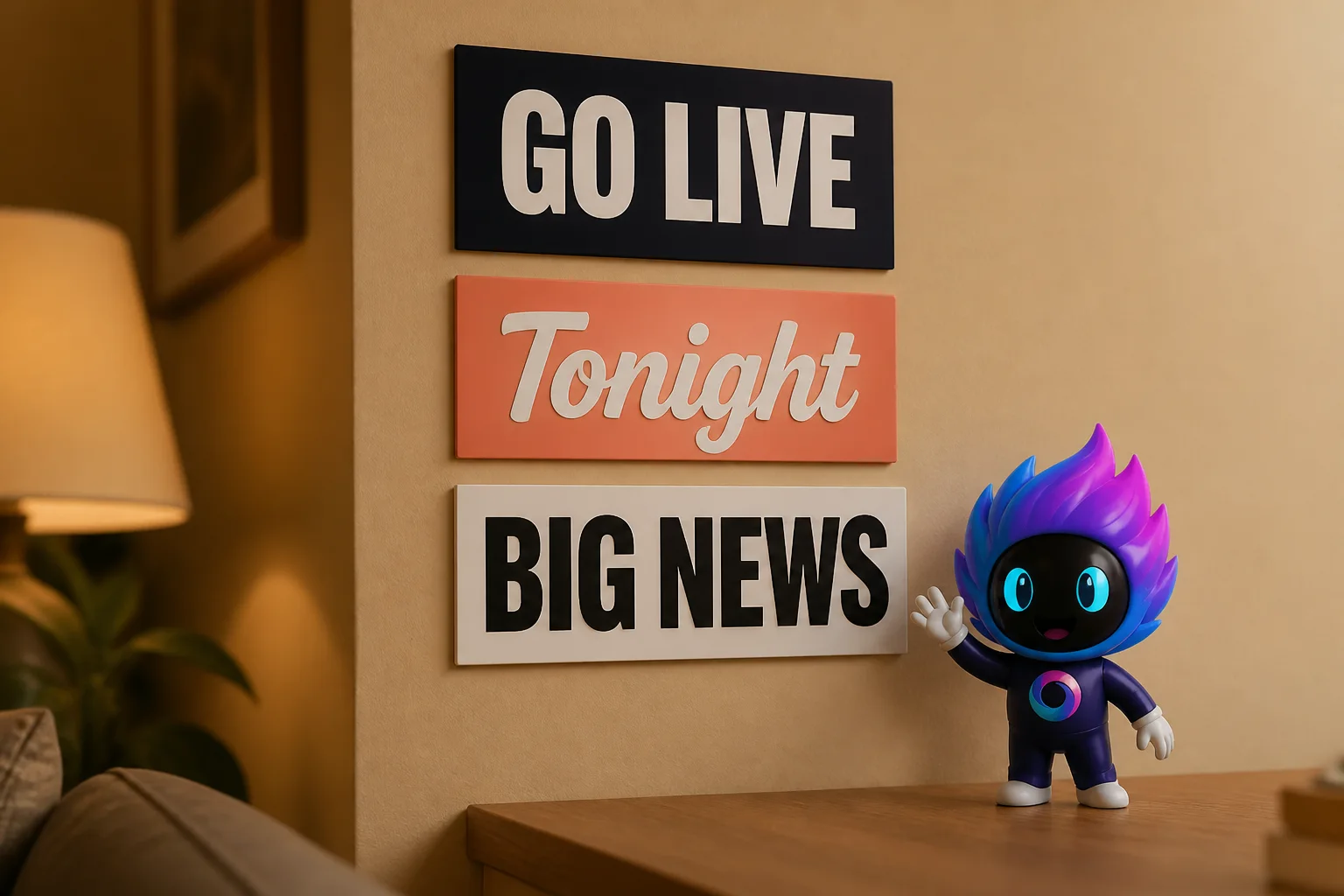
Put your logo, the agenda or your key numbers on the wall behind you in Zoom, Microsoft Teams and Google Meet.
Connect Twitch or YouTube, and new subscribers, bits, raids and Super Chats pop up in your room as 3D bubbles.
Stand a 3D object on your desk, or run a line of scrolling text beside you while you speak.
3D objects and live alerts need a paid plan.
Four studios in one AR streaming app — all working together through a single virtual camera for next-generation AR live streaming.
Make your live streams more interactive with 3D mascots, characters, stickers and props. Place them on AR markers or directly in a selected spot within your scene, then bring them to life with live animations, reactions and effects — no rigging or Blender required.
Browse 3D assets ›Transform your streams with interactive 3D alerts and flying emoji reactions. Anchor custom subscription, raid and Super Chat bubbles to your real-world environment. Connect your streaming platforms in two clicks.
Elevate your streams with interactive on-screen graphics. Create dynamic speech bubbles, scrolling tickers, floating text blocks and scannable QR codes, then anchor them to your camera scene in seconds.
Bring real-time AR live streaming to the platforms you already use. Send composited AR scenes into Zoom, Google Meet, Microsoft Teams, OBS, Twitch and YouTube, with up to 1080p live output and 4K still-image exports on Studio.
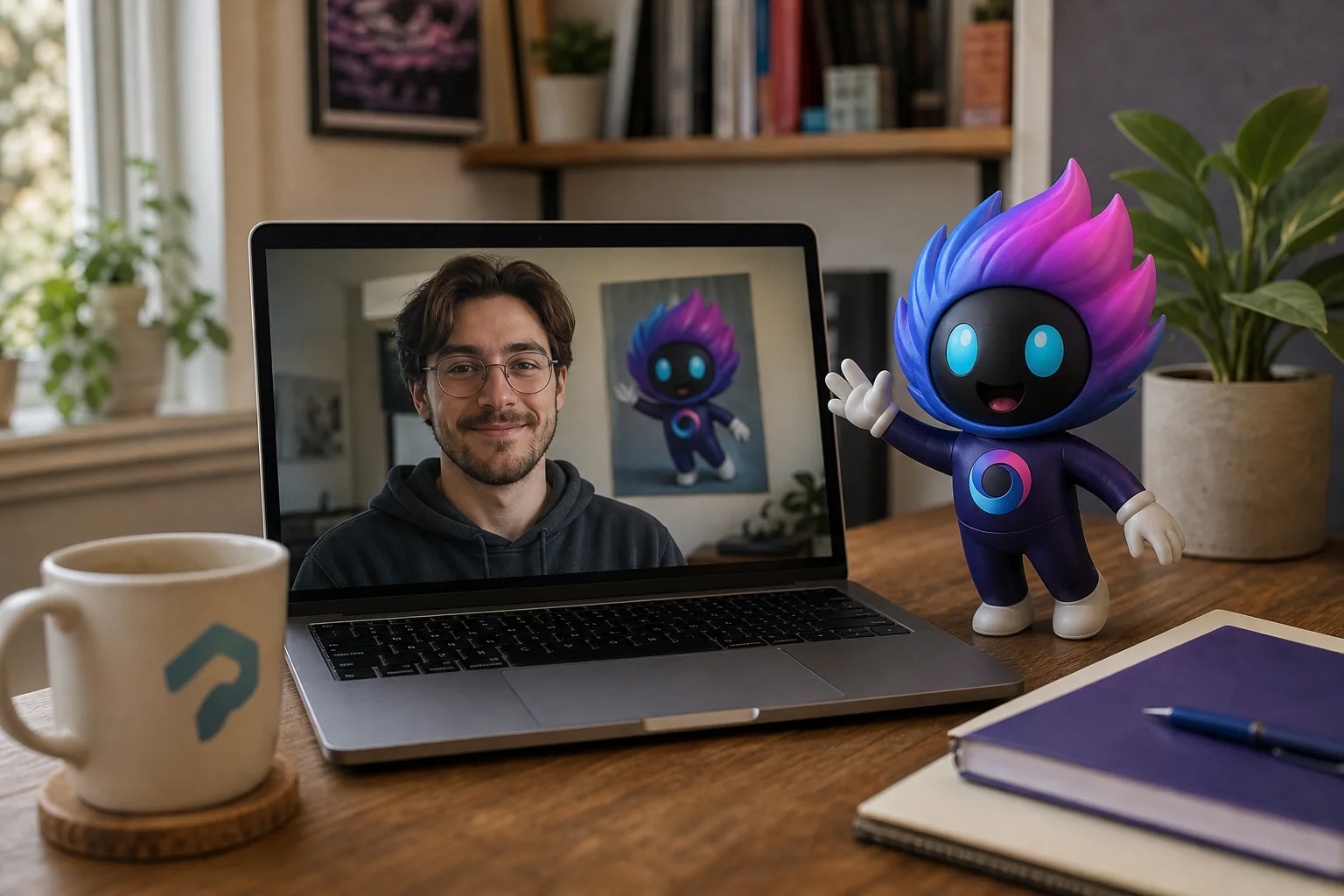
Three simple steps. Start creating immersive AR live streams in about a minute.
Install Pop Magics on your Mac or Windows PC and launch it. The first time you open it, your system asks for camera permission. Allow access to start creating immersive AR experiences. Your video is processed on your computer.
Choose marker-based or markerless AR. For marker-based placement, print a marker from the app and stick it on your wall. For markerless AR, scan your room and place a Spot where you want your content to appear. Then position your content and bring your AR scene to life.
Select Pop Magics as your camera in the platform you use. In Zoom, go to Settings → Video → Camera → Pop Magics. The same camera selection is available in Google Meet, Microsoft Teams, OBS, Twitch, Discord and other supported platforms. Once selected, your AR scene is ready to use.
macOS will ask for camera permission — if you decline it, the preview stays black and nothing works. And no app can switch the camera inside Zoom for you; you pick Pop Magics in Zoom’s own camera menu once, and it remembers. If either one bites you, the fix is here.
Three promises, in plain words.
720p, animated text and the virtual camera, on one machine, with a watermark, for as long as you like. If you stop paying, you land here — the app doesn’t stop working.
The Free plan needs no credit card and has no time limit. Paid plans can be cancelled at any time from your account page.
Compositing runs on your machine. Your camera and microphone feed is not uploaded to us, and analytics are opt-in.
Patent-pending, EU company, signed and notarized builds — who we are.
Free covers 720p, animated text and the virtual camera on one machine. Creator adds 1080p, 3D and AR, live alerts, and removes the watermark. Studio covers five machines and 4K image exports.
Creator €15/mo · Studio €45/mo · pay yearly and three months are free · 14-day money-back guarantee.
Free plan, no credit card, and about a minute from installer to the first thing stuck to your room.
⬇ Download free nowMac & Windows · see plans